 Skip to content

Quick answer
To update BDG Game, log in through the browser, tap Download APP to get the latest file, uninstall the old app if Android won’t overwrite it, install the new one and log in again. Your balance, VIP level and history are stored with your account, not on your phone, so nothing is lost.
When should you update the BDG Game app?
Update when the app tells you to, or when it starts misbehaving. Typical signs: the app crashes on launch, games won’t open, the screen stays blank, banners look months old, or deposits won’t show new channels.
How do you update BDG Game step by step?
- Note your login details and UID.
- Open BDG Game in your browser and log in.
- Tap Download APP for the latest file.
- Try installing over the existing app.
- If Android refuses, uninstall the old app first, then install the new file.
- Open the app and log in.
Will updating delete your balance?
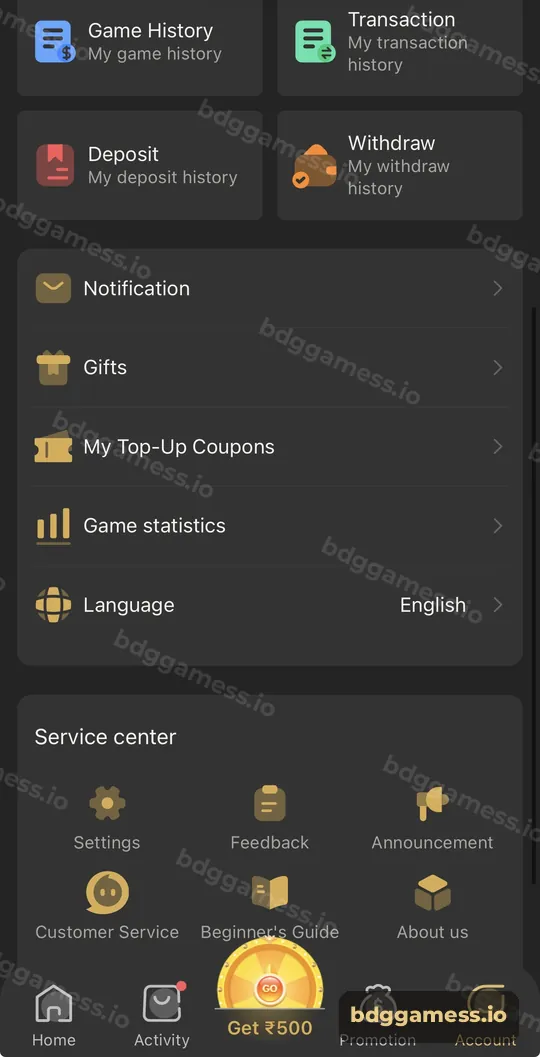
No. Your funds and records are tied to your account on the server. Uninstalling only removes the app from your phone. After logging in, check Account → Transaction to reassure yourself.
How do you fix problems after updating?
| Problem | Fix |
|---|---|
| “App not installed” | Uninstall the old version, then install again |
| Blank screen | Clear app cache in Android settings, reopen |
| Can’t log in | Retype password; see login problems |
| Games won’t load | Switch network; try the browser version |
Is it safe to use an old APK version?
Old versions may miss security fixes and new payment channels. Avoid “old version” files shared online; get the current one from the platform.
New to the platform? Start with our BDGGamess home page for the full picture.
App update FAQs
How do I know if my BDG Game app is outdated?
If games or banners look different in the browser than in the app, your app is probably old.
Do I lose my VIP level when reinstalling?
No. VIP, balance and history are saved on your account.
Can I update from inside the app?
Use the Download APP button for the newest file, then install it.
Why does Android say the update conflicts?
Uninstall the old app first, then install the new version.
Can I just use the browser instead?
Yes. The browser version always shows the current platform.
Key takeaways
- Update when the app crashes, stalls or looks outdated.
- Reinstalling never removes your balance.
- Get new files only from Download APP.
