 Skip to content

Quick answer
Keep your BDG Game account secure by using a unique password, never sharing your OTP or UPI PIN, logging in only through a bookmarked link or the app, adding bank and UPI details carefully, depositing only through the in-app order screen and checking your Transaction history regularly.
What are the biggest risks to a BDG Game account?
Scams aimed at players, not attacks on the app itself. Fake agents, prediction sellers and clone sites try to get your password, your OTP or a direct UPI payment. Once they have any of these, your balance is at risk.
What ten habits keep your account safe?
- Use a unique password with letters and numbers.
- Never share OTPs, UPI PINs or passwords, with anyone, for any reason.
- Log in only through a bookmark or the app, never through links from strangers.
- Only tick Remember password on your own phone.
- Deposit only through the app’s deposit order, never to a personal UPI ID someone sends you.
- Double-check bank and UPI details before your first withdrawal.
- Ignore “hack”, “mod APK” and prediction offers.
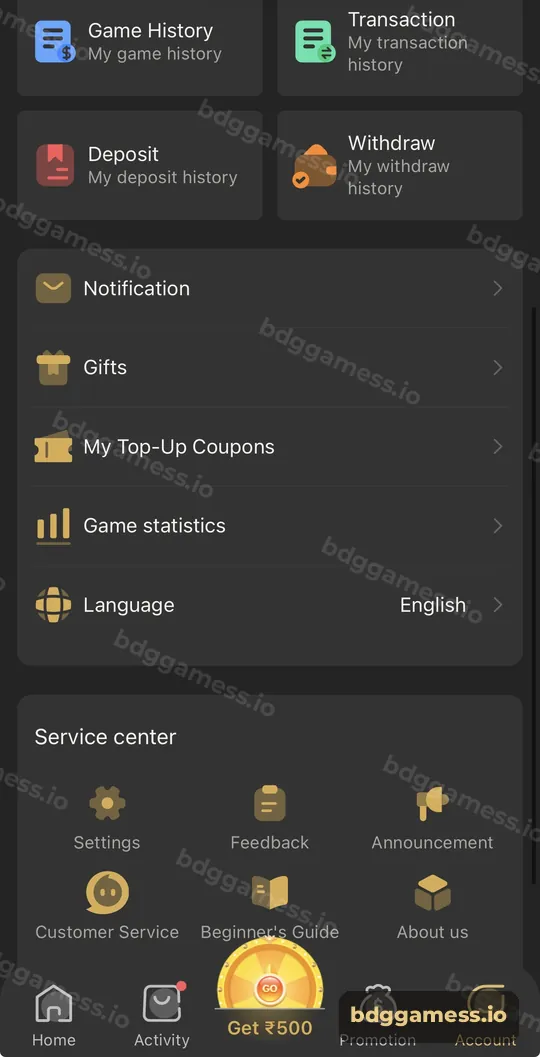
- Review Transaction and Game History weekly.
- Use the in-app Customer Service for any issue.
- Log out of shared or old devices from Settings.
How do you recognise a scam message?
| Message says | Reality |
|---|---|
| “Send ₹500 to unlock your withdrawal” | No genuine unlock fee exists |
| “Share the OTP so I can add bonus” | Bonuses never need your OTP |
| “Join our VIP prediction group” | Results are random; they sell subscriptions |
| “Download this new BDG app version” | Install only from the Download APP button |
What should you do if you think your account is compromised?
- Change your password immediately from Settings.
- Check Transaction and Withdraw history for anything unknown.
- Verify your bank card and UPI details in Withdraw.
- Contact Customer Service in the app with your UID.
See customer care and the hack warning.
New to the platform? Start with our BDG Game India hub for the full picture.
Account security FAQs
Does BDG Game ever ask for my OTP?
Never share an OTP with a person. If a message or caller asks for one, it’s a scam.
Is it safe to save my password in the browser?
Only on a phone that nobody else uses. A password manager is safer.
Can someone withdraw my money without my password?
They would need access to your account, so protect your password and devices.
How do I check for unknown activity?
Open Account → Transaction and Withdraw history.
What should I do with suspicious links?
Don’t open them. Use your bookmark or the app.
Key takeaways
- Password, OTP and UPI PIN stay private, always.
- Deposit only through in-app orders.
- Review your history weekly and use in-app support.
